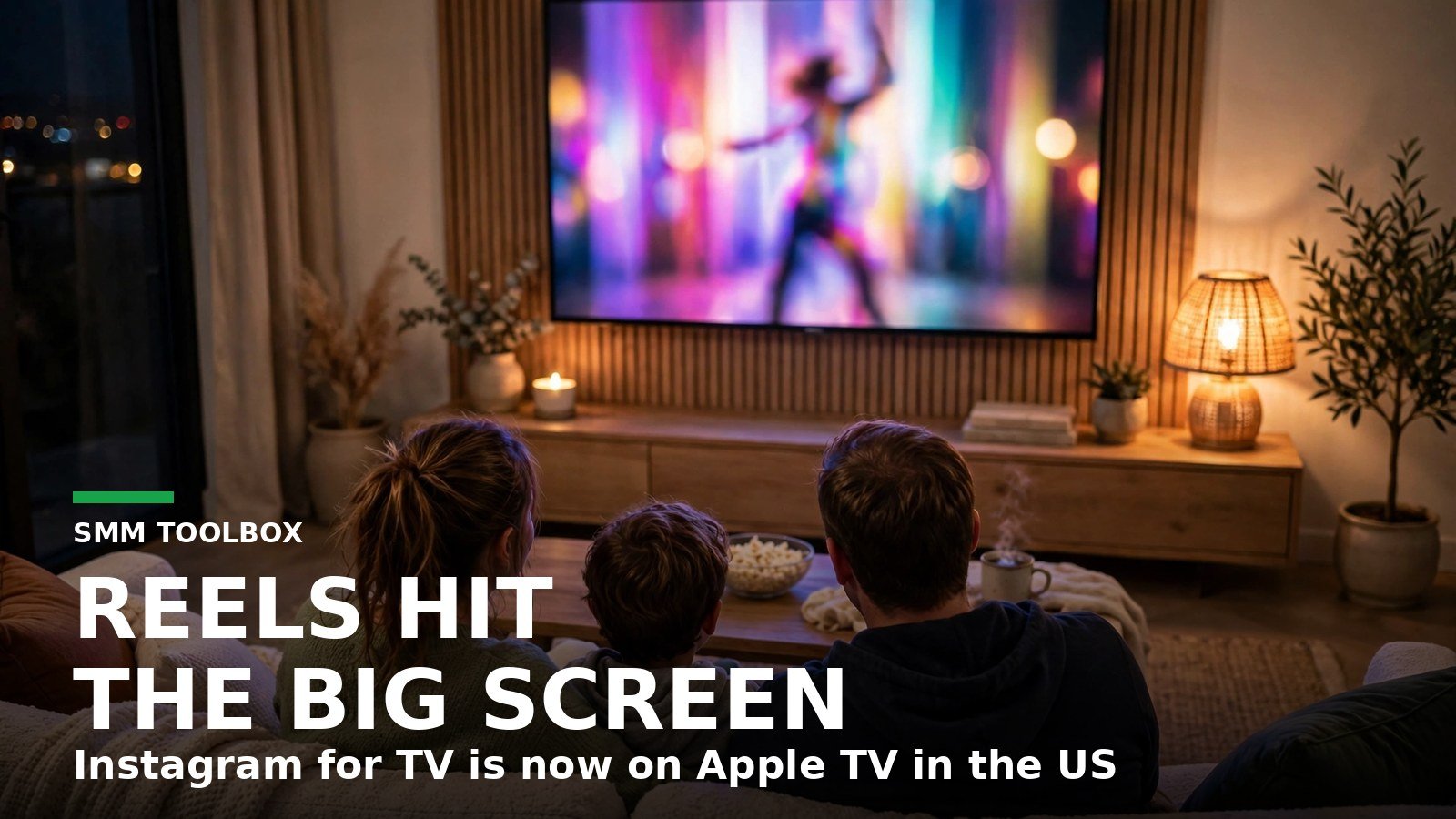
Picture the scene. A family is on the couch, the remote is going around, and instead of a streaming show, an Instagram Reel is playing on the television. Full sound, no thumb on the screen, no one scrolling past it in half a second. That is the room your Reels just walked into.
Instagram for TV is now on Apple TV in the United States, the fourth television platform it has reached since December 2025, according to MacRumors. Your Reels can now play on a living room television, grouped into channels by interest, with the sound on. It is a viewing-first app: nobody posts, comments, or sends a DM from the couch, though liking, sharing, and following all work from the remote, and that changes what a good Reel has to do.
How did Instagram end up on your TV?
Instagram started testing a television app in December 2025, on Amazon Fire TV in the US, according to Instagram’s own announcement. The pitch was simple: watching Reels together is more fun than watching them alone. Google TV followed in February 2026, Samsung smart TVs followed in June 2026, and Apple TV arrived on 23 October 2026, according to Meta’s newsroom. Four platforms in about ten months is a fast rollout for a company that spent years saying it was a phone app first.
The Apple TV arrival was quiet. Instagram added Apple TV compatibility without a prominent public launch announcement. The Verge called it a launch with little fanfare, and said MacRumors spotted the updated App Store listing on 23 October, days after an archived listing from 18 October still showed only iPhone and iPad. Apple’s own release data dates version 66.0 to 23 October, and the app needs tvOS 26.0 or later.
Here is the rollout so far. The table below is our own summary of the dated announcements above, not Instagram’s table.
| Platform | When it arrived | What we know |
|---|---|---|
| Amazon Fire TV | December 2025 | First test, US only, up to 5 accounts per TV |
| Google TV | 24 February 2026 | Added by Instagram update note, US only |
| Samsung smart TVs | June 2026 | 2020 models and newer, US only |
| Apple TV | 23 October 2026 | Needs tvOS 26.0 or later, US only |
Three days after the Apple TV listing appeared, Instagram’s head Adam Mosseri and product VP Tessa Lyons announced Features, a test format for horizontal videos up to 90 minutes, according to Later. The test is running in Brazil first and expanding to a small group of creators in the US. Whether the 90-minute format itself plays on Apple TV yet has not been confirmed. Read that timing as the strategy: the television is where Instagram wants its longer videos to be watched, and the Reel is the trailer that gets viewers there.
What can viewers actually do on the TV app?
More than you might expect from a viewing-first app, and less than the phone app in exactly the places that matter to creators. Skimwire, reporting Instagram’s help page, lists what works and what does not. The list describes the TV app generally; Apple TV-specific confirmation is limited to the listing itself.
On the television, a viewer can browse channels grouped by interest, like and share Reels and photos, read comments, watch Stories and highlights, look at profiles and saved posts, and follow or unfollow accounts. They can switch between accounts and pick up on the TV where they left off on their phone. Casting from a phone is part of the feature set too, but Meta has confirmed that only for Google TV and Fire TV, so do not assume it works on Apple TV yet.
What they cannot do is the interesting half. Nobody can leave a comment from the TV, read or send a direct message, or change account and content settings there. Parental supervision controls are not available on the TV either, according to Instagram’s help page as reported by Skimwire. Instagram’s help page says the app is currently available only in the United States, and Instagram’s post on X from 2 November 2026 said the same about the Apple TV app.
Why should a creator care about a screen they cannot post from?
Because the television changes the viewing conditions, and viewing conditions decide which Reels survive. My read is that this is a small shift with one big consequence: the living room rewards clarity and punishes vagueness.
On a phone, a Reel competes with a thumb. On a television, it competes with the room. The sound is on by default, the next clip starts by itself, and several people may be watching at once. A Reel that opens with three seconds of throat clearing dies on a phone. On a television, it dies in front of an audience.
Channels are the second change. Instagram groups Reels into channels that match a viewer’s interests, such as new music, sports highlights, hidden travel gems, and trending moments, according to its own announcement. A Reel with a muddled topic has no obvious channel to land in. A Reel about one clear thing does. On television, topic clarity is the filing system.
There is a third change, and it is the quiet one. A television is a shared screen, so your Reel is no longer a private scroll. It plays in front of partners, parents, and flatmates, and the room judges it.
The fourth change is the missing comment box. If your Reel ends with “tell me in the comments”, that call to action points at a button the television viewer cannot press. The follow button works on TV, the like button works, sharing works. Comments and DMs do not. So the couch viewer who likes your Reel can follow you from the remote, and the conversation, if there is one, happens later, on their phone.
How do I shoot a Reel for the couch?
Nothing here needs new gear. It needs four small decisions before you post.
1. Open with the sound on. Television Reels play automatically with full sound, according to Instagram’s announcement, so a Reel that only works muted is leaving its best opening on the table. Say the hook out loud in the first two seconds instead of burying it in a caption.
2. Make the topic obvious in two seconds. Channels sort by interest, so a viewer, or a whole room, should be able to name what your Reel is about before the third second. If a stranger cannot, the topic is not clear enough yet.
3. Use text the room can read. Small captions and dense on screen text are built for a phone held inches from a face. On a television across the room, they blur into decoration. Keep on screen words big, few, and on screen long enough to read aloud.
4. End with a follow, not a comment. Ask the viewer to follow for the next part, or to share it with someone in the room. Both work from a remote. A comment prompt does not, and a prompt that cannot be acted on is a dead end, not engagement.
What is still missing?
Plenty, and the gaps matter more than the launch itself. The App Store listing names longer videos and live shows alongside Reels, but whether those actually play on the Apple TV app at launch has not been confirmed. Casting from a phone is confirmed for Google TV and Fire TV, not for Apple TV. Using a phone as a remote, easier channel surfing, and shared feeds are all things Instagram says it is exploring, not things it has shipped. Instagram has not announced a long-term payout model for Features. Later reports that Meta considers it too early to share those details. A television audience is a new audience, but no creator payout is attached to it yet.
Instagram for TV is also still a test in spirit, even on its fourth platform. The December 2025 announcement called it a test designed to learn what works, and the June 2026 newsroom post said the team is still in the early stages of understanding what social video looks like on TV. The creators who gain first will be the ones whose Reels already survive a room full of people, with the sound on, from ten feet away.
Frequently asked questions
Is Instagram for TV free?
Yes. The app is a free download from the tvOS App Store, according to the App Store listing reported by MacRumors. The listing also notes optional in-app purchases, but watching Reels on TV does not need a subscription.
Can I watch Instagram for TV outside the US?
Not yet, as far as Instagram has said. Instagram’s help page says Instagram for TV is currently available only in the United States, and Instagram’s post on X from 2 November 2026 said the Apple TV app is available in the US only. The app listing appears in some other countries’ stores, but that alone does not mean it works there.
Can I post a Reel from my TV?
No. The TV app is built for viewing. You cannot post, comment, or send messages from the television. Posting still happens on another Instagram interface, such as the mobile app.
Will my Reels show on TV automatically?
Instagram has not described an opt in or a separate upload step for TV. Reels are grouped into channels that match a viewer’s interests, according to Instagram’s announcement. Keep your topic clear and your Reel will have a channel to land in.
Does watching on TV count toward my Reel’s views?
Instagram has not said how TV viewing is counted, or whether it is counted exactly the same way as phone viewing. Do not assume a TV play and a phone play are measured identically until Instagram says so.