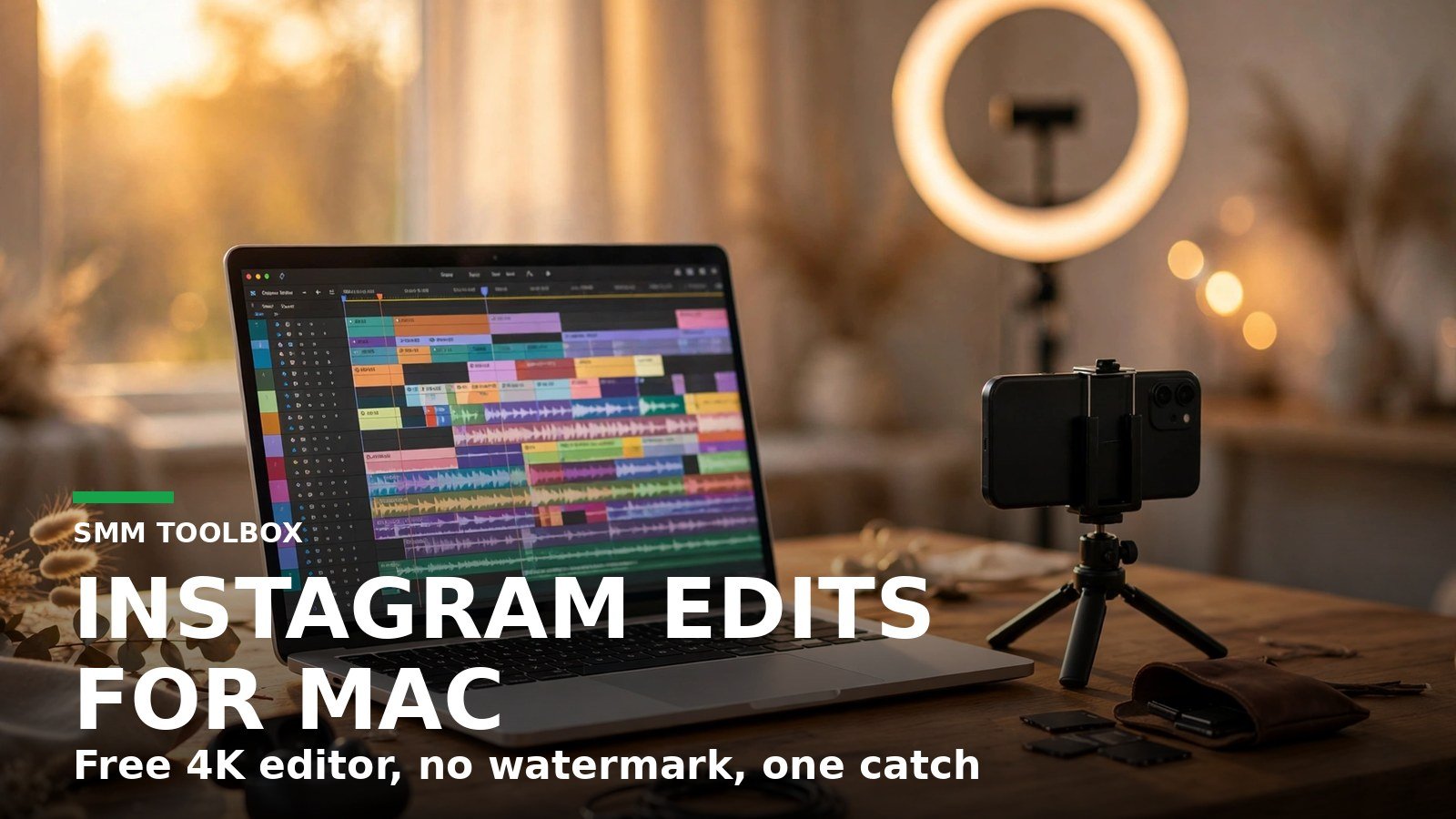
Instagram launched Edits for Mac on November 5, 2026, a free desktop video editor with a multi-track timeline, keyframes, color grading, and watermark-free 4K export, according to Instagram’s Edits blog. It runs only on Macs with Apple silicon, needs an Instagram sign-in, and has no Windows version. If you edit Reels on a Mac, this is worth downloading today. If you are on Windows, nothing changes for you yet.
My honest take up front: the timeline and the 4K export are not the story. Plenty of free editors do those. The story is that Instagram shipped a desktop editor with an open hook for AI agents, while leaving Windows users and phone-to-Mac handoff for later. That is a bet on where editing is going, not a finished product for everyone.
What did Instagram launch on November 5?
Edits is Instagram’s standalone video editor, and until now it was mobile-only. It launched on phones in April 2025, and Instagram previewed a desktop version in June before releasing the Mac app on November 5, according to Gulf News. That means Edits spent about 19 months as a phone-only app before reaching the desktop.
The audience is already large. More than 50 million people use Edits every month, according to Instagram’s Edits blog, which also says the desktop version was built for projects that outgrow a phone screen. Instagram head Adam Mosseri said a desktop version was among the most requested features from Edits users, according to Business Standard. The request makes sense. A dozen clips on a phone timeline is a thumb covering the exact cut you need to land.
What can the Mac app actually do?
The launch version is a full editor, not a companion app. Instagram’s announcement lists 11 capabilities under ‘What you can do with Edits on desktop’, and they fall into three jobs: cutting, finishing, and publishing.
For cutting, you get a full multi-track timeline to layer video, audio, text, and effects, keyframes to animate effects over time, audio waveforms to sync cuts to the beat, and full keyboard shortcut support, according to Instagram’s Edits blog. The keyboard shortcuts matter more than they sound. Shortcut support is what turns a phone editor into a desktop editor, because it is how you stop reaching for the mouse on every trim.
For finishing, the app has color wheels and curves, import for your own LUTs and font files, and automatic captions you can style to match the video, according to Instagram’s Edits blog. The desktop page adds that captions are unlimited, according to Instagram’s Edits desktop page. LUT and font import is the quiet pro feature here. It is how a creator keeps every video on-brand without rebuilding the look each time.
For publishing, you can post directly to Instagram without exporting first, with support for tagging, location, and trial reels, according to 9to5Mac. You can switch between aspect ratios for Reels, landscape, and square, and export in 4K with no watermark, according to Instagram’s Edits blog. The watermark-free 4K export is the headline feature: full-quality video with no watermark, free.
What is missing at launch?
Two gaps shape who should download this today. First, there is no Windows version, and Instagram’s own FAQ answers the question plainly: Edits on desktop is only available on macOS, according to Instagram’s Edits desktop page. No Windows date has been announced. Second, you cannot yet start a project on your phone and finish it on your Mac. Instagram says that handoff is in development, according to Instagram’s Edits blog. Saved audio and text styles from the mobile app are already available on desktop, according to 9to5Mac, so the missing piece is the project file itself, not your saved assets.
| Capability | Status at launch (5 Nov 2026) |
|---|---|
| Multi-track timeline, keyframes, audio waveforms | Yes |
| Color wheels and curves | Yes |
| Import own LUTs and fonts | Yes |
| Keyboard shortcuts | Yes |
| Publish directly to Instagram | Yes |
| Watermark-free 4K export | Yes |
| Automatic captions | Yes, unlimited |
| AI agent (MCP) support | Yes |
| Mac with Apple silicon (M1 or later) | Required |
| Instagram account sign-in | Required |
| Windows version | No |
| Start on phone, finish on Mac | In development |
The table above is our count from Instagram’s announcement and desktop page. Ten of the twelve rows are working features or requirements, and the two that are not are the ones that decide whether this app fits your setup.
Instagram is not standing still on the gaps. It says it will release new desktop features every week, starting next week with background import, captions, and music, according to Instagram’s Edits blog. Captions and a music library already exist on desktop, so Instagram has not said whether next week’s additions are new features or upgrades to the ones already there. Weekly updates are a promise, not a delivery, so judge the app on what it does today and treat the roadmap as a bonus.
Why the AI agent hook matters more than the timeline
Edits for Mac supports the Model Context Protocol, or MCP, so AI agents can see and help edit your projects from the desktop, according to Instagram’s Edits blog. In practice that means a compatible agent can take a first pass at assembling a rough cut and you finish it by hand, moving back and forth between agent and manual editing. That workflow is the one genuinely new idea in this launch. A timeline is table stakes in 2026. An editor that compatible AI agents can drive is not.
Here is where I would be careful. Instagram’s blog describes what the MCP connection enables, not how well it works in practice, and I have not tested it hands-on. Treat the agent hook as a reason to try the app, not as a reason to rebuild your workflow around it on day one. If the rough cuts are good, that changes the math for every creator who edits daily. If they are not, you still have a capable free editor.
Should you switch from CapCut?
CapCut has offered a desktop app since 2021 for Windows and Mac, according to IndustryWired, so Instagram is five years late to the desktop. That lateness shows in exactly the two gaps above. CapCut runs on Windows and Mac, and has done since 2021. Edits runs on one kind of Mac, and a project started on your phone cannot yet move to the desktop.
So the decision is simple. If you edit on an Apple-silicon Mac, post mainly to Instagram, and want free watermark-free 4K export with direct publishing, try Edits this week. The download costs nothing, and for creators who used to transfer files to a phone to publish, direct publishing removes that step from every video. If you are on Windows, edit across devices, or your workflow lives in CapCut already, stay where you are and check back when Instagram ships the phone-to-Mac handoff. The app is good at launch, but its audience is narrower than the headline suggests.
Is Instagram Edits for Mac really free?
Yes. Instagram says it is free to download on macOS, with no paid tier listed, according to Instagram’s Edits desktop page.
Does Edits for Mac work on Windows?
No. Edits on desktop is only available on macOS, and Instagram has announced no Windows version or date, according to Instagram’s Edits desktop page.
Does Edits for Mac work on Intel Macs?
No. You need a Mac with Apple silicon, M1 or later, according to Instagram’s Edits desktop page.
Can I start a project on my phone and finish it on my Mac?
Not yet. Instagram says it is working on starting a project on your phone and finishing it on desktop, and vice versa, according to Instagram’s Edits blog.
Can I export from Edits for Mac without a watermark?
Yes. Videos export in 4K with no watermark, and you can switch between aspect ratios for Reels, landscape, and square, according to Instagram’s Edits blog.