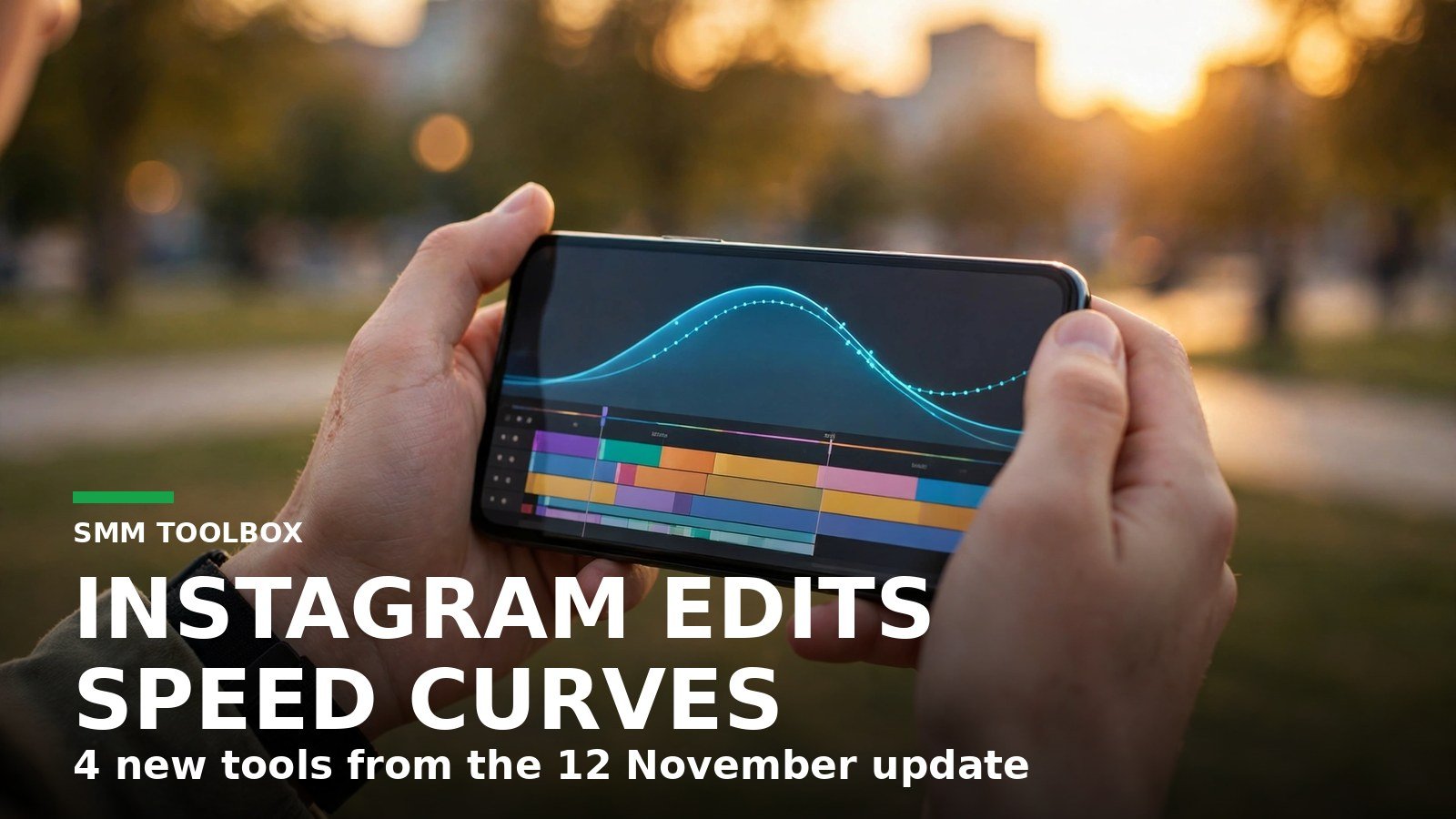
Meta updated its free Edits video editor on 12 November, and this one is worth opening the app for. Social Media Today reported the update the same day, after Meta announced it through its Creators account on Threads. Four controls landed at once: speed curves, automatic audio balancing, text animation timing, and topic controls for the Inspiration tab. Speed curves are the headline, and they are the one to learn first.
What did Edits add on 12 November?
Four things, and they solve four different annoyances. Here they are in one place.
| New control | What it does | Use it when |
|---|---|---|
| Speed curves | Playback speed changes inside one clip, instead of one speed for the whole clip, with preset curves and a custom option, according to Social Media Today | A moment needs to slow down, then snap back to normal |
| Auto audio balancing | Balances audio levels across video elements automatically, according to Social Media Today | Clips recorded in different places sound uneven |
| Text animation duration | Sets how long on-screen text stays active, how fast it appears and disappears, and how fast the animation loops, according to Social Media Today | Captions flash past before anyone can read them |
| Inspiration topic controls | Lets you choose which topics to see more or less of in the Inspiration tab, according to Social Media Today | Your inspiration feed keeps showing the wrong niche |
None of this costs anything. Edits is Meta’s free standalone editor for Instagram creators, launched on 22 April 2025, as Meta’s own launch announcement records. The update itself is free too; it arrives through a normal app update.
Why did speed curves take 95 days from beta to announcement?
Because Meta tested them in public first. Speed curves sat in Edits’ experimental Beta tab on iOS from an August update, Social Media Today reported on 9 August 2026, and they were announced in the 12 November update. Count it out: 22 days left in August, plus 30 in September, 31 in October, and 12 in November adds up to 95 days from the beta announcement to the November announcement.
That gap is the most useful number in this update. Meta called speed curves one of its most requested features when they entered beta, per the same August report, and it still took three months between the beta announcement and the November announcement. So if the curve control is missing from your app today, availability may vary by app version or account. Update Edits and check Meta’s official announcements for the latest news. Meta ships Edits updates almost every other week, according to Social Media Today, so a missing feature may arrive with a later update, not the next month.
The beta tab itself was brand new when speed curves entered it. Meta launched the tab in June 2026 as a place to test upcoming features early, and the August batch paired speed curves with colour correction and a new way to manage ongoing projects, according to Social Media Today. That tells you how Meta treats Edits now: as a live workshop where the most wanted tools spend months in the Beta tab before they are announced more widely.
How do I use speed curves on my next Reel?
Start with one clip, not a whole edit. Pick the clip that carries the payoff of your Reel, the pour, the reveal, the jump, and give it one curve.
- Open the clip in Edits and look for the speed curve control among the clip tools.
- Pick a preset curve first. As a starting point, a smooth rise into the moment and back works well for a reveal.
- Watch the clip back with sound. If the slow part drags, shorten it; if the fast part feels rushed, flatten the peak.
- Only then try a custom curve. Draw the dip exactly where the moment lands, not across the whole clip.
- Export and watch on your phone once, full screen, before posting. Curves that look right on a timeline can feel wrong at full size.
My honest take: most creators should use one curve per Reel at first. Two or three speed changes in 30 seconds feels clever in the edit and seasick on the feed. One well-placed slowdown can make an important moment stand out without making the edit feel overloaded.
What about the other three tools?
Audio balancing is the quiet winner of this update. Anyone who stitches clips from different rooms knows the problem: the voiceover is loud, the street clip is quiet, the music sits somewhere in between. The new tool evens those levels out automatically, according to Social Media Today. My suggestion is to run it before you add music, not after, so the music level is set against already balanced audio.
Text timing fixes a smaller but real frustration. The new text animation controls give creators more precise control over how long text remains visible and how quickly its animations play, according to Social Media Today. A good rule is to leave each line up long enough to read aloud twice. If you cannot finish reading it twice before it disappears, it is too fast.
The Inspiration controls are the least exciting of the four and the most useful over time. Picking topics to see more or less of shapes the clips Edits suggests, according to Social Media Today, in the same spirit as Meta’s Your Algorithm tool for the feed. Adjusting these topics can help make the Inspiration suggestions more relevant to the subjects you want to explore.
Does this make Edits a real CapCut replacement yet?
Not on features alone, and that is the wrong test. Edits launched in April 2025 as Instagram’s own editor, and a week before this update it also arrived on Mac, as we covered on 5 November. The desktop arrival gives creators a larger editing workspace, although seamless editing of the same project across mobile and Mac is still in development. What this 12 November update really does is close the small gaps that made people leave Edits mid-edit: uneven audio, unreadable text, flat pacing, irrelevant inspiration. If you already edit in Edits, update it and try the curves. If you still edit elsewhere, this update alone is not the reason to switch, but the direction is clear. Meta has continued to introduce Edits updates almost every other week, according to Social Media Today.
Frequently asked questions
When did Instagram Edits get speed curves?
Meta announced speed curves for Edits on 12 November 2026, through its Creators account on Threads, as reported by Social Media Today the same day. They had been in the app’s experimental Beta tab on iOS since August 2026.
Are Edits speed curves free?
Yes. Edits is available as a free video-editing app, and the speed curves were announced as part of its feature updates.
Why can I not see speed curves in my Edits app?
Update Edits to the latest version first. Availability may vary by app version or account, and the announcement does not specify a rollout timetable. Meta ships Edits updates almost every other week, according to Social Media Today.
What else came in the 12 November Edits update?
Three more controls: automatic audio balancing across video elements, text animation duration controls, and topic controls for the Inspiration tab, all reported by Social Media Today on 12 November 2026.